

Cloud vs Desktop SEO Crawler: It Is an Architecture Decision, Not a Brand War
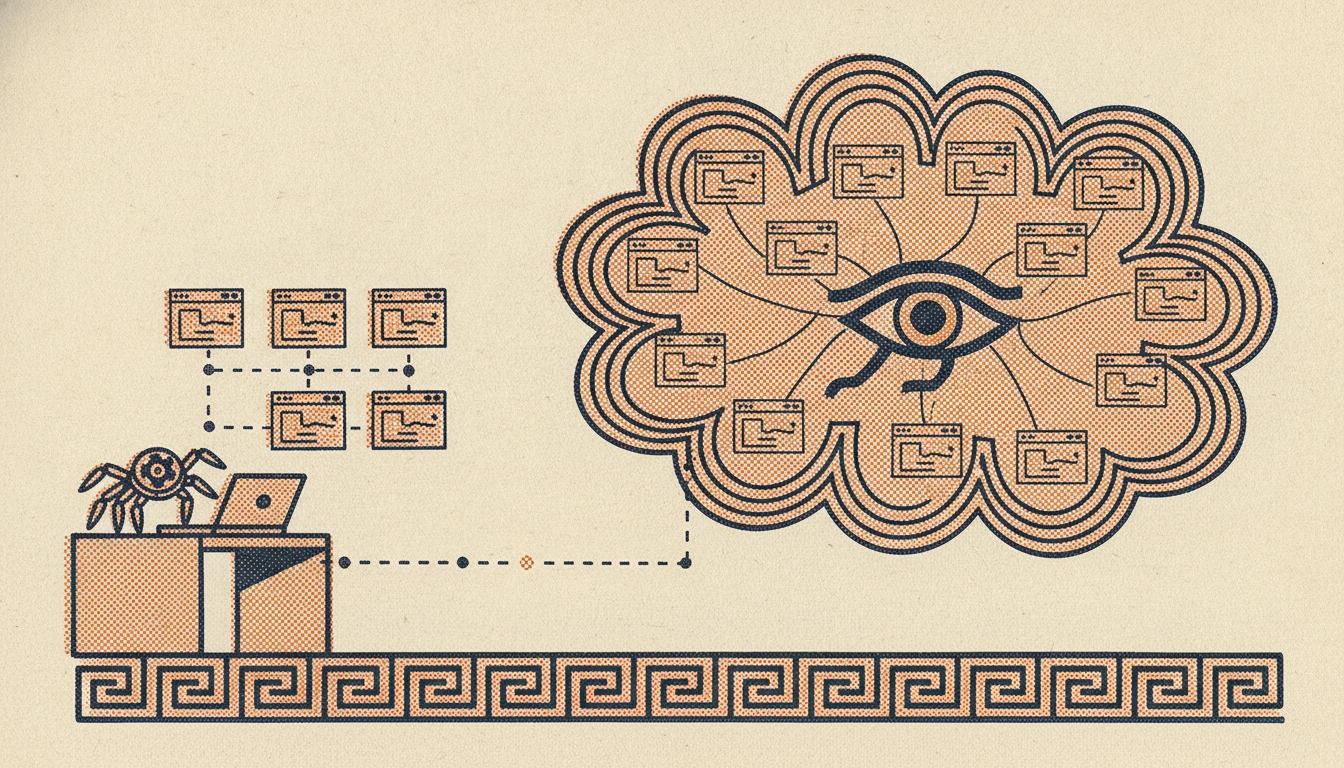
When people ask “which SEO crawler should I use?”, they are usually comparing feature lists: this one renders JavaScript, that one has better internal-link reports, the other one is cheaper. That comparison misses the decision that actually shapes your workflow. Before you compare tools, you are choosing an architecture: does the crawler run on your machine, or on someone else’s servers?
Cloud crawlers like DeepCrawl (now Lumar) and desktop crawlers like Screaming Frog are not really fighting over the same job. They sit on opposite sides of one structural choice, and that choice decides where your data lives, how far you can scale, what you pay, and whether a team can work from the same numbers. This guide walks through that decision, so you can pick the architecture that fits your site instead of the brand with the loudest homepage.
Two architectures, not a list of tools
Strip away the branding and every crawler falls into one of two camps.
Desktop crawlers run on your own computer. You install the app, it uses your machine’s processor, memory, and internet connection, and the crawl results live on your disk. Screaming Frog, Sitebulb, and Seodisias are desktop crawlers. Seodisias runs on Windows, macOS, and Linux with the same feature set on each.
Cloud crawlers run on the provider’s servers. You configure a crawl in a browser, their infrastructure does the work, and the results live in their dashboard. DeepCrawl/Lumar, Oncrawl, and JetOctopus are cloud crawlers.
Everything else, the report quality, the JavaScript rendering, the price, follows from that one split: where the compute happens and where the data ends up. Keep that in mind and the rest of the decision gets much simpler.
Where your crawl data lives, and who else can reach it
This is the first question, and for some teams it is the only one that matters.
With a desktop crawler, the crawl stays on your machine. The list of URLs, the response headers, the discovered issues, none of it leaves your computer unless you choose to export it. For an in-house team under strict data rules, or an agency handling a client’s unreleased site or confidential structure, that locality is a real advantage. There is no third party holding a copy.
With a cloud crawler, your site’s crawl data, and often the analytics, log files, or search-console feeds you connect to enrich it, sit on the provider’s servers. That is not automatically a problem, and reputable providers secure it well. But it is a factor you have to clear with whoever owns data governance, especially in regulated industries or when a client contract restricts where their data may be processed.
If data residency and client confidentiality are sensitive in your world, the desktop architecture answers that concern by default. Our look at running an SEO crawler on macOS goes deeper into the local-versus-cloud privacy question.
Scale and scheduling
This is where cloud earns its price.
A desktop crawler is bounded by the machine it runs on. Your RAM, your processor, your uptime, and your home or office connection all set a ceiling. Database storage mode and careful configuration push that ceiling higher, and a well-specced machine can crawl a surprisingly large site, but there is a point where crawling millions of URLs ties up your computer for hours and competes with everything else you need it to do.
Cloud crawlers are built for exactly that scale. They crawl from datacenter bandwidth, handle very large URL counts without touching your laptop, and, crucially, run on a schedule. If you need a five-million-URL site crawled every week automatically, with the results waiting for you each Monday, that is native cloud territory. A desktop tool can do a big crawl on demand, but it was not designed to sit and monitor on a timer.
So the honest split is: on-demand deep audits suit desktop, continuous scheduled monitoring at large scale suits cloud.
The cost model is the real fork
The two architectures do not just cost different amounts, they charge on different logic.
Desktop crawlers are priced per person. You pay a per-seat annual license (or nothing at all, in the case of Seodisias and the capped free tier of Screaming Frog). The cost is predictable and does not move when you crawl more pages. Three analysts means three licenses, and that is the whole bill.
Cloud crawlers are priced by volume. You pay for URLs, credits, or tiers, and the bill scales with how much you crawl. For a small team auditing modest sites, that can end up far more expensive than a desktop license for work the desktop tool handles perfectly well. For an enterprise crawling enormous sites continuously, the cost buys work a desktop simply cannot do.
The trap is paying enterprise cloud prices for a job a free or per-seat desktop crawler would finish before lunch. Match the cost model to the actual work. If you are weighing free options, our guides to free and open-source crawlers and Screaming Frog alternatives map out what you give up and keep at each price point.
JavaScript rendering at scale
Both architectures can render JavaScript, so the question is not “can it,” it is “at what scale without pain.”
Rendering is expensive. Every rendered page spins up a headless browser, and that multiplies the time and resources a crawl needs. On a desktop crawler, rendering a large, heavily client-side site will slow the crawl down and lean hard on your machine. It works for small and medium sites without drama. It becomes a bottleneck when the site is both large and render-dependent.
Cloud crawlers can throw far more rendering capacity at the problem, so a giant JavaScript site gets rendered and crawled without melting your laptop. If your site is large and built mostly in the browser, that is a genuine reason to lean cloud. If it is small or medium, desktop rendering is completely adequate.
Team collaboration and reporting
A crawl is only useful if the right people can act on it, and the two architectures treat “the right people” very differently.
Cloud crawlers are multi-user by design. Shared dashboards, trend history across crawls, scheduled reports, stakeholder access, and alerting when something regresses are the core of the product. A team can all look at the same numbers, and the platform remembers what last week looked like so it can flag what changed.
Desktop crawlers are single-operator. The crawl lives on one machine, and sharing means exporting a file or a report and sending it along. You can absolutely build a reporting habit on top of that, but the history and the collaboration are on you, not the tool.
An agency juggling many clients, or a large in-house team that needs everyone on the same trend line with automatic regression alerts, gets real value from the cloud model. A solo consultant or a small team that audits, fixes, and moves on often does not need any of it.
So which should you choose?
Here is the decision in plain terms.
Lean desktop if your site is small to mid-sized, one or a few people run the audits, you want the crawl data on your own machine, you prefer a predictable per-seat cost or free, and your work is on-demand deep dives. Screaming Frog, Sitebulb, and the free cross-platform Seodisias (Windows, macOS, Linux) all fit here.
Lean cloud if your site runs into the hundreds of thousands or millions of URLs, you need scheduled recurring monitoring with alerting, a team needs shared dashboards and crawl history, and you have the budget for it. DeepCrawl/Lumar, Oncrawl, and JetOctopus are built for this.
And notice these are not mutually exclusive. Plenty of mature teams run both: a desktop crawler for deep, ad-hoc technical audits, and a cloud platform for continuous monitoring of a large property. The architectures cover different jobs, so owning one of each is a strategy, not a contradiction. For a tool-by-tool view across both camps, our comparison of the best SEO crawlers lines them up side by side.
Conclusion
Cloud versus desktop is not a rivalry to win, it is a fit to get right. The decision comes down to four honest questions: how big is the site, how sensitive is the data, how many people need the results, and what is the budget. Answer those and the architecture picks itself, and only then does comparing individual tools inside that architecture make sense.
If your work leans toward on-demand audits, modest-to-large sites, and keeping crawl data on your own machine at no cost, a free cross-platform desktop crawler covers a lot of ground. Seodisias runs on Windows, macOS, and Linux with the same features on each, which makes it an easy place to start on the desktop side while you decide whether your workload ever truly needs the cloud.
Looking for something else?
Search every guide on the blog without going back to the list.